Amazon Q Developer Review 2026
AWS-native AI coding assistant specialized in cloud development and infrastructure as code.
Best for: Development teams building on AWS infrastructure
Key Takeaways
- Amazon Q Developer offers the most generous free tier in AI coding tools — 50 agentic chats per month at no cost
- Deep AWS integration makes it the strongest choice for teams building on AWS infrastructure
- IP indemnity on the Pro plan provides legal protection for enterprise teams — a key differentiator
- Full-lifecycle coverage: code completion, debugging, vulnerability scanning, and automated language upgrades
- Less compelling outside the AWS ecosystem — limited model choice and smaller community than GitHub Copilot
What Is Amazon Q Developer?
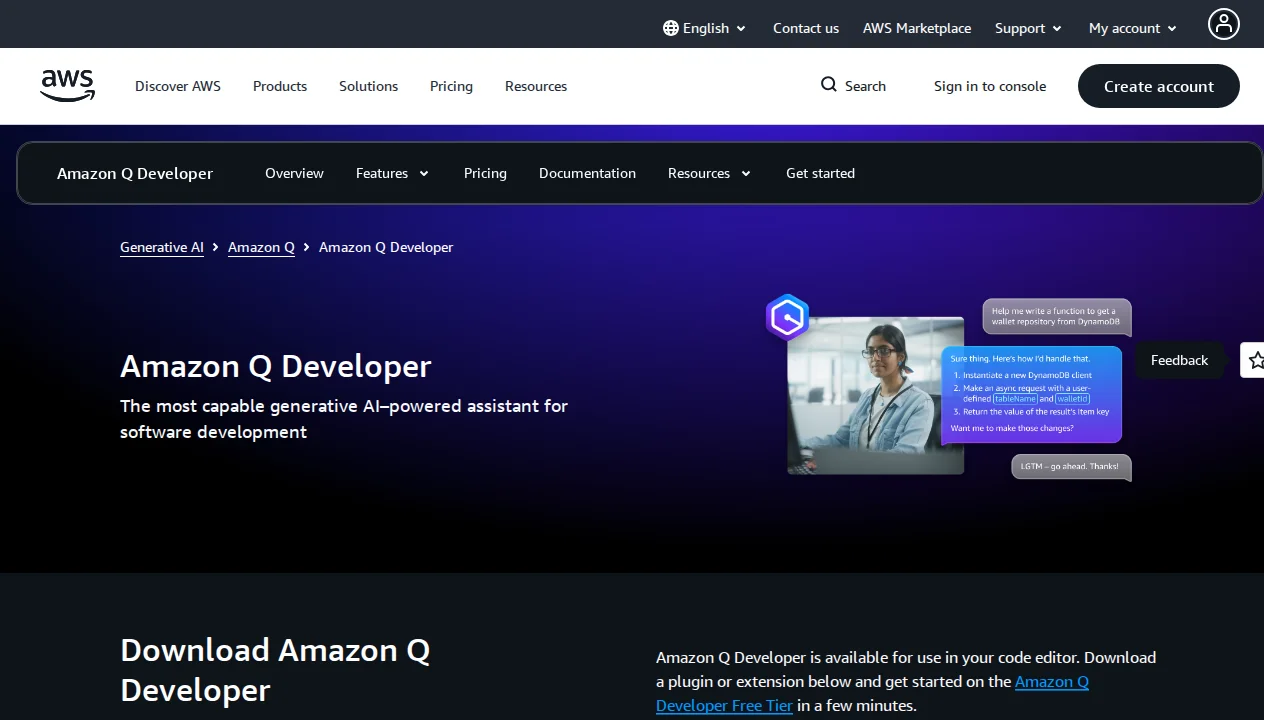
Amazon Q Developer is AWS's AI coding assistant and the successor to Amazon CodeWhisperer. It covers the full software development lifecycle: inline code completions, multi-step agentic task execution, automated Java and Python version upgrades, infrastructure-as-code generation, SQL optimization, and security vulnerability scanning. Rather than targeting individual developers with broad appeal, Amazon Q Developer is purpose-built for teams already invested in the AWS ecosystem — and for those teams, it offers capabilities no other AI coding tool matches.
The free tier is genuinely generous: 50 agentic chats per month at no cost, perpetually. For AWS-focused developers who want to try AI-assisted coding without a financial commitment, this is the lowest-friction entry point in the category. Our guide on free vs paid AI coding agents explores how to evaluate whether this free tier covers your actual needs before committing to a paid plan.
Getting Started
Amazon Q Developer is available as a plugin for VS Code, JetBrains IDEs (IntelliJ IDEA, PyCharm, WebStorm, Rider, CLion, GoLand), Visual Studio, Eclipse, and directly within the AWS Management Console. Setup involves installing the plugin from your IDE's marketplace and authenticating with either an AWS Builder ID (free) or an IAM Identity Center account (for Pro features).
For developers already working within AWS accounts and using standard IDEs, the installation experience is straightforward. The AWS Console integration is particularly notable: Q Developer can answer questions about your deployed AWS resources, suggest optimizations for your infrastructure, and help diagnose issues directly within the browser-based console — without switching to a separate tool. This level of integration with the AWS operational environment is unique in the category.
Key Features in Depth
Inline Code Completion
Amazon Q Developer's code completion works at the function and block level, not just line-by-line. It understands AWS SDK patterns deeply — when you're writing code that interacts with S3, DynamoDB, Lambda, or any other AWS service, the suggestions are calibrated to AWS best practices rather than generic patterns. This contextual depth for AWS-specific code is where Q Developer outperforms GitHub Copilot in head-to-head testing on AWS workloads.
For general-purpose code unrelated to AWS — frontend JavaScript, data science Python, algorithm implementations — the completion quality is competitive but not class-leading. Copilot, Cursor, and other tools with broader training corpora have an edge on non-AWS code. This tradeoff is consistent throughout Q Developer: exceptional for AWS, adequate to good for everything else.
Agentic Task Execution
Amazon Q Developer's agent mode handles multi-step tasks with planning and execution across multiple files. You describe a task — "add input validation to all my Lambda handler functions" or "migrate these API calls from SDK v2 to SDK v3" — and the agent plans the changes, modifies the relevant files, and presents a diff for your review.
In my testing, the agent excelled at well-defined, bounded tasks with clear AWS context. SDK migration tasks that would have taken hours manually were handled accurately in under 10 minutes. The agent struggled more with open-ended feature development tasks where it lacked sufficient context about business requirements — a limitation shared with most AI coding agents but more pronounced here than in tools like Cursor's Composer 2.
The 50 agentic chats per month on the free tier is a meaningful allowance for moderate users. For teams with heavy agentic usage, the Pro plan at $19/user/month unlocks higher limits and IP indemnity, which we cover in the pricing section.
Automated Language and Framework Upgrades
One of Amazon Q Developer's most distinctive capabilities is automated language version migration. The Java upgrade feature can take a Java 8 or Java 11 codebase and migrate it to Java 17 or Java 21, handling API changes, deprecated methods, and dependency updates. The Python upgrade feature handles similar transitions between Python versions. These are capabilities that no other AI coding tool in the market offers at this level of automation.
For enterprises maintaining large Java codebases stuck on older LTS versions — a very common and expensive problem — this feature alone can justify the Pro tier. The cost savings from automated migration versus manual developer time are significant. I've seen estimates of 70-80% reduction in migration time compared to manual processes for large codebases.
Security Vulnerability Scanning
Amazon Q Developer includes built-in security scanning that detects vulnerabilities in your code before it ships. The scanner covers the OWASP Top 10, common secrets exposure patterns (API keys, passwords in code), infrastructure misconfiguration in IaC templates, and known CVEs in dependencies. This is available on the free tier, which is unusual — most dedicated SAST tools are paid products.
The integration with the development workflow is smooth: scans can be triggered on demand or as part of a pre-commit hook. Results appear inline in the IDE with severity ratings and remediation suggestions. For security-conscious teams, having this capability built into the AI coding assistant rather than as a separate pipeline step reduces friction significantly.
IaC Generation and SQL Optimization
Q Developer can generate AWS CloudFormation templates and AWS CDK constructs from natural language descriptions. "Create a serverless API with API Gateway, Lambda, and DynamoDB with IAM authentication" produces a working, deployable CDK stack. The generated infrastructure follows AWS Well-Architected Framework principles, which is more than you can say for generic AI code generation.
The SQL optimization feature analyzes slow queries running against Amazon RDS and Amazon Redshift and suggests query rewrites, index additions, and query plan improvements. For data engineering teams managing large databases on AWS, this can surface meaningful performance gains with minimal manual analysis work.
Pricing Breakdown
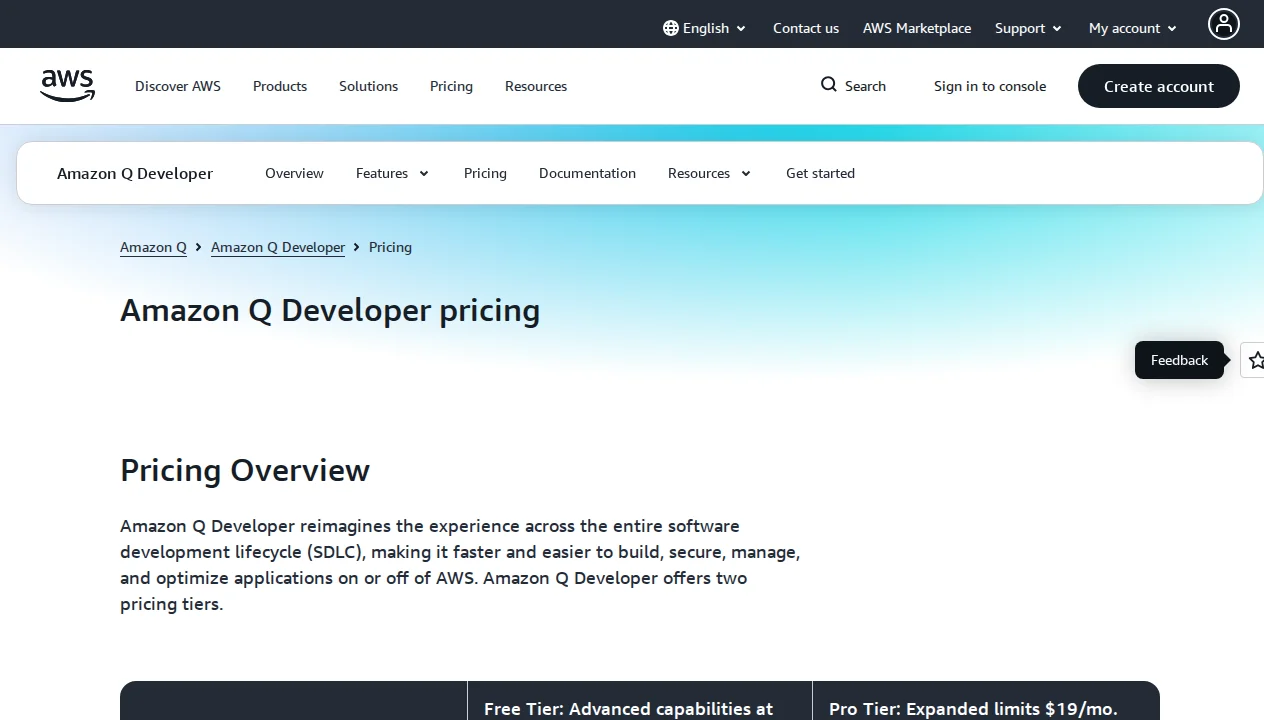
Amazon Q Developer has one of the simplest pricing structures in the AI coding tools category:
| Plan | Price | Agentic Chats | Key Features | Best For |
|---|---|---|---|---|
| Free | $0 (perpetual) | 50/month | Code completion, security scans, IaC generation, vulnerability scanning | Individual developers, evaluation |
| Pro | $19/user/month | Extended | IP indemnity, no data retention, higher limits, enterprise SSO | Teams, enterprises, compliance requirements |
Two features of the Pro plan deserve particular attention. First, IP indemnity: Amazon indemnifies Pro plan users against intellectual property claims related to AI-generated code suggestions. This is a significant legal protection that only a few AI coding tools offer. For enterprises that have been cautious about AI coding tools due to IP liability concerns, this is a meaningful risk mitigation. GitHub Copilot's Copilot Enterprise plan also offers IP indemnity, but it costs $39/user/month compared to Q Developer's $19.
Second, no data retention on Pro: AWS does not use your code or prompts to train models on the Pro plan. For organizations handling sensitive codebases, proprietary algorithms, or regulated data, this is a hard requirement. The free tier does not provide this guarantee. For a comparison of how this positions Q Developer against other tools, see our guide on how to choose an AI coding agent.
Amazon Q Developer vs The Competition
Amazon Q Developer vs GitHub Copilot: This is the most direct comparison for enterprise teams. GitHub Copilot has a broader user base, better general-purpose code completion across all domains, and stronger GitHub workflow integration. Amazon Q Developer wins on AWS-specific capabilities, lower Pro pricing ($19 vs $39/user/month for IP-indemnified tiers), and the automated language upgrade features. For AWS-heavy shops, Q Developer is often the better choice. For teams with diverse infrastructure, Copilot's broader capabilities may matter more.
Amazon Q Developer vs Cursor: Cursor is a desktop-first AI editor for individual developers seeking the most powerful agent experience. It's not an enterprise-oriented tool in the same way Q Developer is. The audiences and use cases are largely complementary — some developers use both, running Cursor for day-to-day coding and Q Developer for AWS-specific tasks and security scanning.
For teams making a primary AI coding tool decision, the question is essentially: are you AWS-first? If yes, Q Developer's ecosystem depth makes it the default recommendation. If no, our guide on how to choose an AI coding agent walks through a systematic framework for the decision.
Who Should Use Amazon Q Developer?
AWS-focused engineering teams: If your infrastructure runs on AWS and your team works with Lambda, DynamoDB, CDK, or other AWS services daily, Q Developer is purpose-built for you. The depth of AWS context in its suggestions, IaC generation, and Console integration has no equivalent in competing tools.
Enterprise teams with IP or data compliance requirements: The Pro plan's IP indemnity and no-data-retention guarantees make Q Developer the right choice for organizations in regulated industries or those with strict policies about AI-generated code. At $19/user/month, it's also among the more affordable enterprise-grade options.
Teams maintaining legacy Java codebases: The automated Java upgrade feature is a compelling enough reason on its own for teams running Java 8 or 11 applications. The time savings on a large migration can justify the Pro plan for months based on a single upgrade project.
Security-conscious developers: Getting vulnerability scanning built into your AI coding assistant at no additional cost is genuinely valuable. For individual developers and small teams that can't justify a dedicated SAST tool, Q Developer's free-tier scanning is a meaningful security improvement.
What We Don't Like
Heavily AWS-focused: The flip side of deep AWS integration is that Q Developer is significantly less useful outside the AWS ecosystem. If you're building on GCP, Azure, or a hybrid environment, the tool's contextual advantages don't apply. For non-AWS code, the completion quality is competitive but not distinctive.
Smaller community and ecosystem: Compared to GitHub Copilot, Amazon Q Developer has a smaller user community, fewer third-party tutorials, and less community-generated content for troubleshooting. This matters for developers who rely on community resources when they encounter issues or want to learn advanced usage patterns.
Enterprise-oriented UX: The interface and configuration reflect enterprise priorities more than developer experience. Setup and configuration are more complex than consumer-oriented tools like Cursor, and the documentation is written for IT administrators as much as for developers. Individual developers may find the experience less polished than alternatives.
Limited model choice: Unlike Cursor's multi-model flexibility (GPT-5.4, Claude Opus 4.6, Gemini 3 Pro, and others), Q Developer uses Amazon's own models and does not allow you to choose or switch. For developers who want to leverage the best-available frontier model for a specific task, this is a meaningful limitation.
Code suggestions less refined for non-AWS code: On general programming tasks, Q Developer's suggestions are competent but trail the quality of tools with broader training data. This is an acceptable tradeoff for AWS-focused teams but a real limitation for organizations with diverse stacks.
Our Verdict
Amazon Q Developer earns a 4.0/5 from us — a strong, targeted tool that is genuinely best-in-class for its intended use case. For AWS-focused engineering teams, the combination of deep AWS integration, automated language migrations, vulnerability scanning, IP indemnity, and a generous free tier is a compelling package at a competitive price point.
The deductions reflect its limitations outside the AWS ecosystem and the narrower appeal compared to more general-purpose tools. If your work is AWS-centric, the score effectively rounds up to 4.5/5. If you work across multiple cloud platforms or want a general-purpose AI coding assistant, tools like GitHub Copilot or Cursor will serve you better.
The bottom line: Start with the free tier. 50 agentic chats per month is enough to evaluate whether Q Developer's AWS-specific capabilities deliver meaningful value for your team. If the security scanning, IaC generation, and agentic tasks prove useful, the Pro plan at $19/user/month with IP indemnity is straightforwardly priced. If you're not primarily an AWS shop, look elsewhere first.
Pros & Cons
Pros
- Deep AWS integration and expertise
- Excellent for IaC (CloudFormation, Terraform)
- Security scanning and best practices
- Works within AWS Console
- Good value for AWS-heavy teams
Cons
- Primarily useful for AWS development
- Less powerful for non-AWS projects
- Learning curve for AWS ecosystem
- Limited model selection
Our Ratings
Verdict
Amazon Q Developer earns a strong 4.1/5 in our testing. It is a solid choice for development teams building on aws infrastructure, offering a good balance of features and accessibility.
With a free tier available, there is very little risk in trying it out. If you are evaluating AI coding agents, Amazon Q Developer deserves serious consideration.
Frequently Asked Questions
Is Amazon Q Developer free?
What IDEs does Amazon Q Developer support?
Does Amazon Q Developer provide IP indemnity?
How does Amazon Q Developer compare to GitHub Copilot?
Can Amazon Q Developer handle Java version migrations automatically?
Sources & References
- Amazon Q Developer Official· Official product page with feature overview and documentation
- Amazon Q Developer Pricing· Official pricing page with free and Pro tier details
- VibeCoding — Amazon Q Developer Review· Independent review covering real-world usage and verdict
- Superblocks — Amazon Q Developer Pricing Guide· Detailed breakdown of pricing tiers and cost analysis
- AI Tools Dev Pro — Amazon Q Developer Guide· Comprehensive feature guide and use case analysis

Written by Marvin Smit
Marvin is a developer and the founder of ZeroToAIAgents. He tests AI coding agents daily across real-world projects and shares honest, hands-on reviews to help developers find the right tools.
Learn more about our testing methodology →Related AI Agents
Claude Code
Anthropic's official CLI coding agent with deep codebase understanding and autonomous task execution.
Read Review → →Cursor
AI-first code editor built on VS Code with intelligent autocomplete and chat-based editing.
Read Review → →GitHub Copilot
GitHub's AI pair programmer with real-time code suggestions and chat assistance.
Read Review → →